Use the NPS Calculator to explore a possible retirement corpus, a lump-sum portion and an illustrative monthly annuity. Enter your own contribution and return assumptions, then compare several scenarios rather than treating one projection as a promised pension.
NPS Calculator
Project a potential retirement corpus, lump-sum amount and monthly annuity from regular contributions.
Projected corpus:
Planning with this projection
Test different contribution and return assumptions rather than relying on one number. Inflation, fees, taxes and market performance can materially affect retirement income.
Is the projected monthly pension guaranteed?
No. It is an illustration based on the annuity percentage and annuity rate entered.
Does the calculator include tax benefits?
No. It projects the corpus only. Tax treatment depends on contribution source, regime and applicable law.
Related Calculators
Compare retirement planning with the EPF Calculator, estimate gratuity with the Gratuity Calculator, or browse all Finance Calculators.
NPS Calculator: 5 essential planning checks
- Set the planning period. Enter current age and retirement age consistently. The difference determines the projection horizon. Check that the retirement date matches the scenario you want to explore rather than leaving a default unchanged.
- Separate existing savings and new contributions. Current NPS corpus represents money already invested. Monthly contributions represent new deposits. Counting the same savings in both inputs overstates the starting position.
- Review the return assumption. An expected annual return is a modelling choice, not a guaranteed credit rate. Compare lower and higher assumptions and consider how a shorter horizon changes the result.
- Examine the exit split. The percentage used for annuity divides the projected corpus into the portions illustrated by the tool. Your permitted exit treatment depends on current rules and subscriber circumstances; an editable percentage is not a statement of eligibility.
- Check the annuity assumption separately. An assumed annuity rate translates the purchase amount into an indicative annual income and monthly equivalent. It is not a quote from an annuity provider or a guarantee about future products.
Understand the NPS Calculator outputs
The projected corpus is the estimated account value at the selected retirement age under the assumptions entered. The potential lump sum and annuity purchase are portions of that same corpus. They are not additional benefits to add on top of the projected total.
The indicative monthly pension is based on the annuity purchase amount and the assumed rate. Actual income can vary with product terms, age, options selected and market conditions when the annuity is purchased. Compare the form of income as well as the headline amount when reviewing real quotations.
A simple annuity arithmetic example
For illustration only, an annuity purchase amount of ₹10,00,000 at an assumed 6% annual rate corresponds to ₹60,000 per year, or ₹5,000 per month before any applicable adjustments. This demonstrates the conversion used for planning. It does not establish that a 6% product will be available or suitable at retirement.
Keep the annuity calculation separate from the investment-growth assumption. A projected investment return during accumulation and an annuity income rate after exit serve different purposes, even when both are entered as percentages.
Compare scenarios without losing the assumptions
Save a small table containing the retirement age, current corpus, monthly contribution, assumed return, annuity share and annuity rate. Change one input at a time. This helps show whether a larger result came from additional saving, more years or a more optimistic assumption.
Review purchasing power as well as the future rupee amount. A projected monthly income many years ahead will not necessarily buy what the same amount buys today. Keep essential expenses, emergency reserves and other retirement income in a separate household plan instead of expecting one calculator to settle the entire retirement decision.
Limitations and official NPS guidance
This NPS Calculator does not determine your tax benefit, regulatory exit eligibility or a provider’s annuity quotation. Fees, tax treatment, contribution timing and changing market returns can affect the actual outcome. Check current guidance from the Pension Fund Regulatory and Development Authority and your NPS service provider before acting.
Review the projection periodically when contributions, income or retirement plans change. Use it to frame a planning discussion and document assumptions, rather than as an instruction to select a particular investment or pension product.
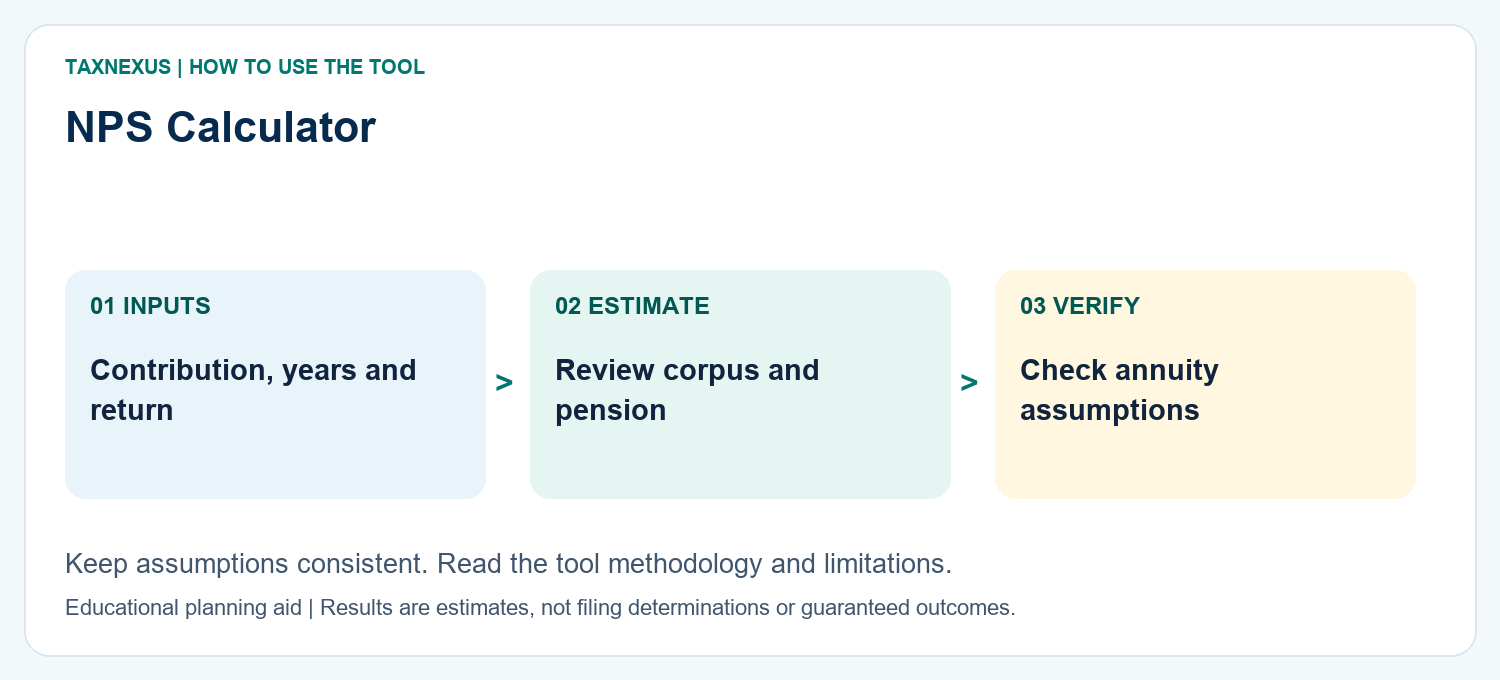
How to read your NPS result
The result estimates retirement corpus based on contributions, tenure and assumed return. NPS is market-linked, so actual returns and exit outcomes can differ from the illustration.
Planning note: Use conservative return assumptions and confirm current PFRDA exit rules before retirement decisions.
Need help comparing scenarios or want a custom finance worksheet? Contact TaxNexus and tell us what you are trying to calculate.
Ask TaxNexus
Send your question and the TaxNexus team can review what you are trying to calculate. The calculator page is included automatically.
Safety: Do not send passwords, OTPs, card numbers, bank login details or other confidential credentials.