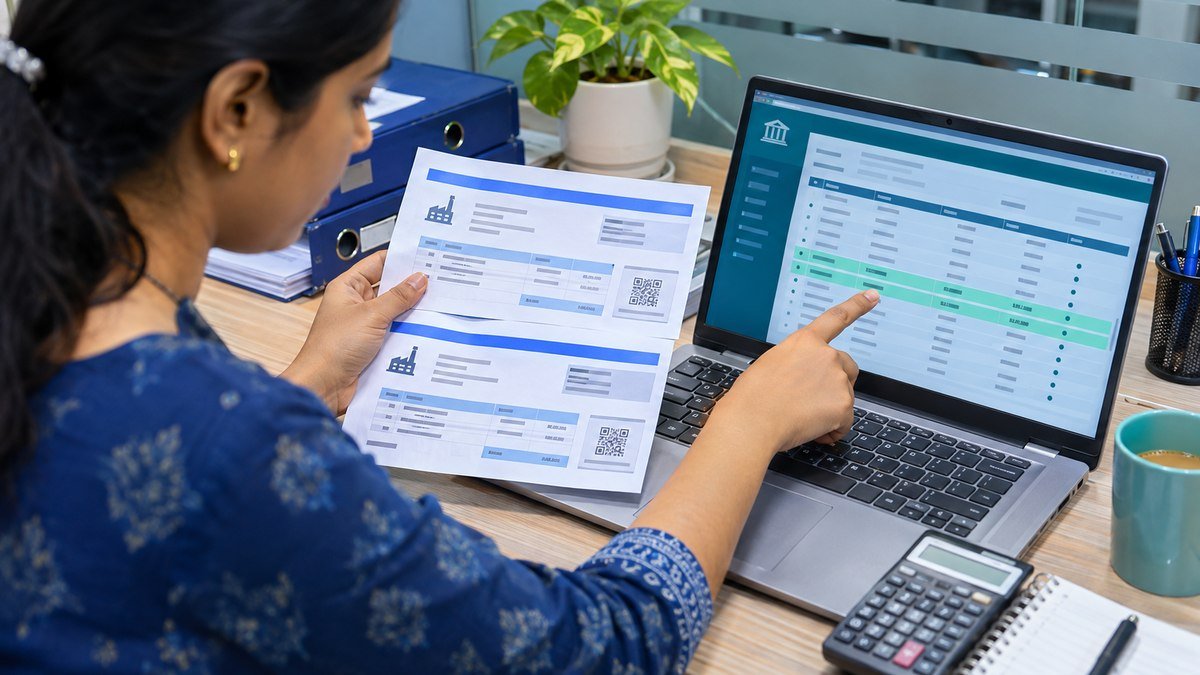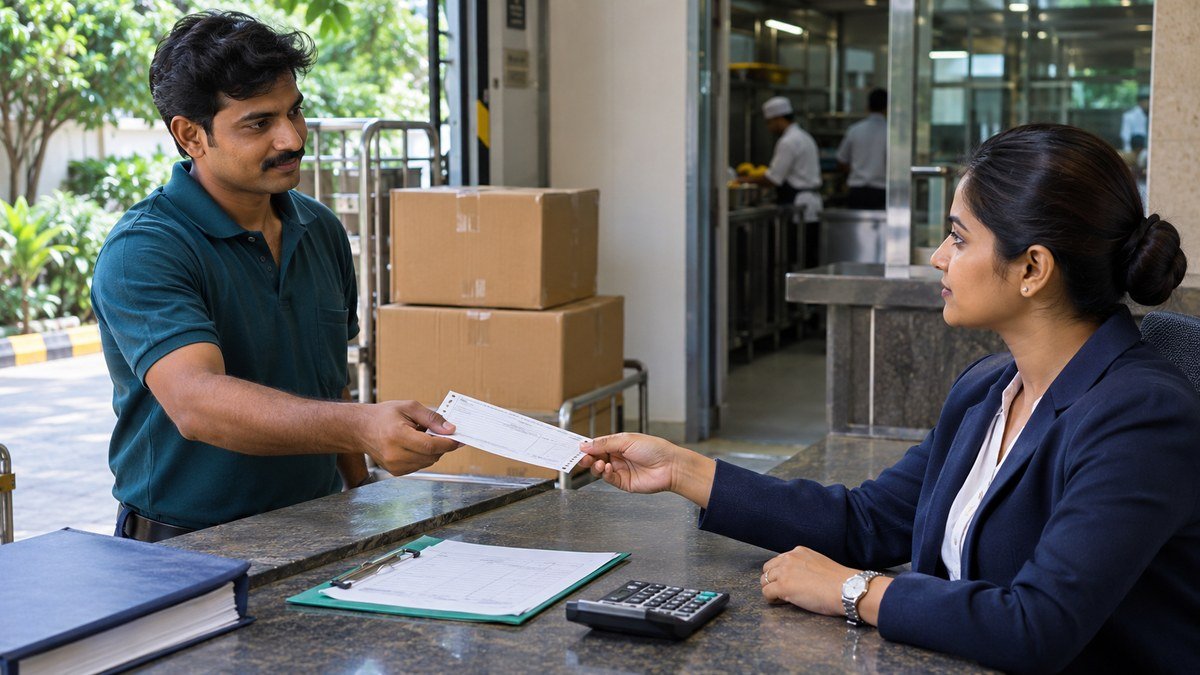
Supplier advances pay for goods or services before the supplier delivers them. At month-end, each open advance should tie to an approved purchase order, a payment reference and a clear next step. This example follows a ₹60,000 advance on a ₹1,00,000 purchase order. After the first delivery, ₹20,000 remains open and can be applied to the next invoice or recovered if the order is cancelled.
1. Approve and record supplier advances
Before releasing an advance, confirm the purchase order value, the amount due upfront, the delivery milestones and the terms for applying or refunding the payment. Keep the request, approval, supplier acknowledgement and bank reference together. Record the purchase order number on the payment and the advance entry so the receiving and accounts payable teams can find the same transaction later.
Use the supplier prepayment transaction in your accounting system when it is available. In this illustrative ledger, the ₹60,000 payment debits a supplier advance account and credits bank. The payment creates a balance to apply or recover. Inventory is recorded when the goods are received and recognised under the entity’s accounting policy. Some systems use a prepayment invoice and a separate settlement step. The journal table below shows the combined effect of payment.
2. Apply only the amount supported by the first delivery
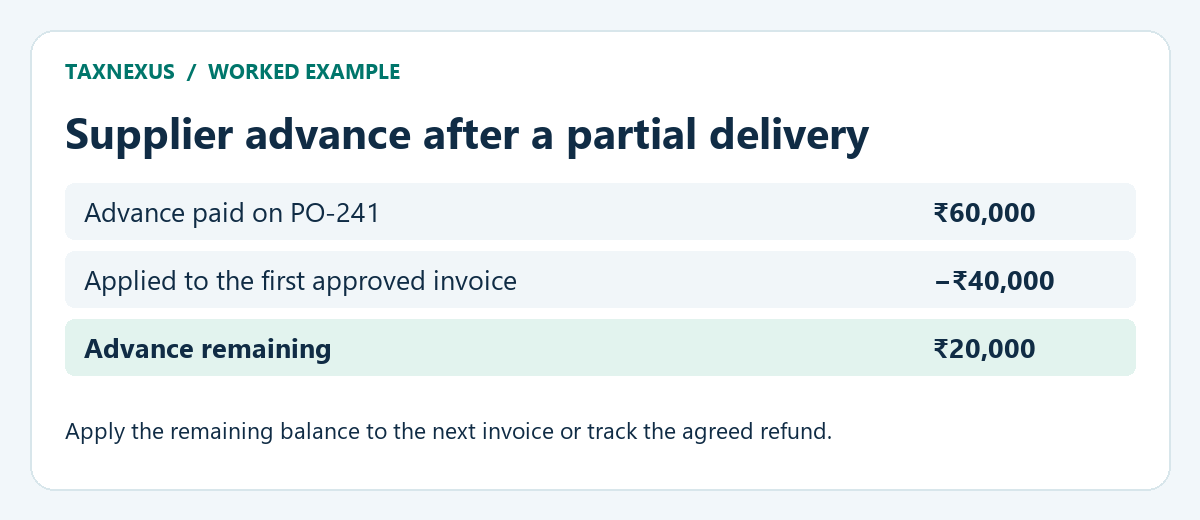
A fictional hotel orders supplies worth ₹1,00,000 under PO-241 and pays ₹60,000 in advance. Its first delivery and approved invoice are for ₹40,000. Receiving records the quantity delivered and AP checks the invoice against the purchase order and receipt. After matching, AP applies ₹40,000 of the advance to the invoice. The invoice is settled and ₹20,000 of the advance stays open.
Confirm the supplier, legal entity, currency and order reference before applying a prepayment. Keep the invoice and application references together so the outstanding advance can be reproduced from the subledger. Oracle Payables documents which prepayments can be applied to supplier invoices and how the application affects the amount available. Oracle Payables documentation on prepayments.
3. Follow the journal entries from payment to clearing
The entries below use INR and assume the hotel recognises inventory when it records each matched invoice, with no prior receipt accrual. The example excludes GST, withholding and currency differences. If your receiving system already records an accrual for goods received, match and clear that accrual through the approved workflow when the invoice arrives. Your system may use different account names and posting steps.
| Event | Debit | Credit | Advance remaining |
|---|---|---|---|
| Pay initial advance | Supplier advances ₹60,000 | Bank ₹60,000 | ₹60,000 |
| Record first matched invoice | Inventory ₹40,000 | Accounts payable ₹40,000 | ₹60,000 |
| Apply advance to first invoice | Accounts payable ₹40,000 | Supplier advances ₹40,000 | ₹20,000 |
| If the second delivery is completed, record its invoice | Inventory ₹60,000 | Accounts payable ₹60,000 | ₹20,000 |
| Apply remaining advance to second invoice | Accounts payable ₹20,000 | Supplier advances ₹20,000 | ₹0 |
| Pay what remains on the second invoice | Accounts payable ₹40,000 | Bank ₹40,000 | ₹0 |
When both deliveries are completed, the hotel receives ₹1,00,000 of inventory. It pays ₹60,000 upfront and ₹40,000 after the second delivery. The advance and the two invoices are then cleared. Before approving the last payment, compare the proposed bank amount with the invoice net of the ₹20,000 application so the payment run reflects the advance already paid.
4. Recover unused supplier advances after cancellation
If the hotel cancels the second delivery after the first invoice is settled, the ₹20,000 advance remains open. Confirm the cancellation terms and request repayment if the remaining amount is refundable. Record the amount agreed with the supplier, the expected payment date and the person following up. If the refund arrives in full, the illustrative effect is a debit to bank and a credit to supplier advances for ₹20,000. Clear the original prepayment through the supplier refund process and link the bank receipt to the case.
Under that cancellation outcome, the hotel pays ₹60,000 and receives ₹20,000 back, leaving net cash paid of ₹40,000 for the goods it received. If a cancellation fee applies or the supplier pays less than agreed, obtain the supporting documents and controller approval before posting an adjustment. Keep any disputed or unpaid amount on the review list until it is resolved. The Vendor Debit Balances guide explains how to assign ownership and follow up on this type of open item.
5. Use a month-end checklist for supplier advances
- Reconcile the balance. Agree the advance schedule to the relevant subledger and general ledger as of the close date. Reconcile by legal entity and currency.
- Check the documents. Trace each advance to the purchase order, payment approval, bank reference and any matched invoice or refund.
- Record what remains. Start with the opening balance, add new payments, then subtract applications and refunds. Include approved corrections in the period they were posted.
- Assign the next action. Record the expected delivery, application or refund date with a named owner. Flag overdue or disputed items for review.
- Keep clearing evidence. Save the application or refund reference and confirm that the original open item shows the expected balance after posting.
Review purchase orders with AP before the next payment run. A supplier can submit a full invoice even when the hotel has already advanced part of the price. The Accounts Payable Process guide covers the wider invoice approval workflow, and the Duplicate Supplier Payments guide shows how to check pending and settled bank batches.
Can a supplier advance remain open at month-end?
Yes. If delivery is pending or only partly complete, carry forward the supported balance with the order reference, expected date and owner. Review old balances with the controller and follow up with purchasing when the agreed date passes.