Use the Gratuity Calculator to explore how the wage input and service period affect an indicative benefit. Confirm the legally applicable wage definition, employee category and coverage with payroll before relying on the result.
Gratuity Calculator
Estimate gratuity from last-drawn basic salary plus dearness allowance and completed service.
Estimated gratuity:
How the gratuity estimate works
For employees covered by the Act, the common formula is last-drawn Basic + DA × 15/26 × completed years. A service period over six months is normally rounded to the next year for this estimate.
Is five years always compulsory?
Five years of continuous service is the general eligibility rule, with statutory exceptions such as death or disablement.
Is the entire gratuity tax-free?
Not necessarily. Exemption depends on employee category, actual gratuity, the statutory formula and the prevailing monetary ceiling.
Related Calculators
Estimate provident-fund growth with the EPF Calculator, plan retirement with the NPS Calculator, or browse all Finance Calculators.
Gratuity Calculator: 5 essential review checks
This tool is an illustration of the assumptions displayed above. It cannot determine your employment entitlement from a salary number and service period alone. In particular, the Basic + DA label should not be treated as a complete determination of statutory wages under the current Labour Codes. Ask payroll to verify the correct wage base and the applicable treatment for your circumstances.
- Verify the wage input. Use the relevant monthly basis rather than annual CTC or the amount credited to your bank. Employer benefits and employee deductions are different from the wage base used for a benefit calculation.
- Confirm the service record. Compare the joining date, end date and recognised service history with HR records. Do not infer completed service simply from the number of payslips available.
- Review the coverage selection. The calculator offers simplified covered and non-covered assumptions. Selecting an option does not establish which law applies or resolve special employment categories.
- Separate entitlement and tax. A calculated benefit, an amount offered by the employer and an eligible tax exemption answer different questions. An indicative exempt figure is not proof that the full payment is tax-free.
- Reconcile the settlement. Obtain an explanation of the employer’s wage base, service period and adjustments. Keep that calculation with the settlement record and investigate differences before treating the estimate as final.
Gratuity calculation example using the displayed assumptions
With a monthly input of ₹50,000 and a service factor of nine years, the displayed covered-employee illustration uses ₹50,000 × 15 ÷ 26 × 9. The arithmetic gives approximately ₹2,59,615. This demonstrates the formula currently shown by the tool; it does not establish that ₹50,000 is the correct statutory wage base or that nine years is the service factor applicable to a particular employee.
Change one input at a time when comparing scenarios. A higher wage input increases the formula result, while a different service factor changes the number of years applied. Record the assumptions next to each comparison so the reason for the difference remains clear.
How to review a difference from HR
First compare the inputs rather than arguing only about the final total. Check the wage definition, service dates, employment category and any separate adjustment. A different result may reflect a different assumption, an omitted record or a treatment that this simplified tool cannot model.
Keep a dated note of unresolved questions and the evidence requested. If the issue concerns legal coverage, forfeiture, fixed-term employment or a disputed entitlement, seek qualified advice. The calculator should support a focused enquiry rather than replace a review of the applicable rules.
Gratuity Calculator limitations and official guidance
The Ministry of Labour and Employment’s additional Labour Code FAQs address gratuity, wage-definition and employment-category questions. Read current official guidance alongside the tool’s assumptions. Do not use a simplified eligibility message as a final legal conclusion.
Use the result for a planning discussion and request a verified settlement calculation from the employer. Save the input assumptions and the explanation of any difference; personal employment documents do not need to be posted in a public comment.
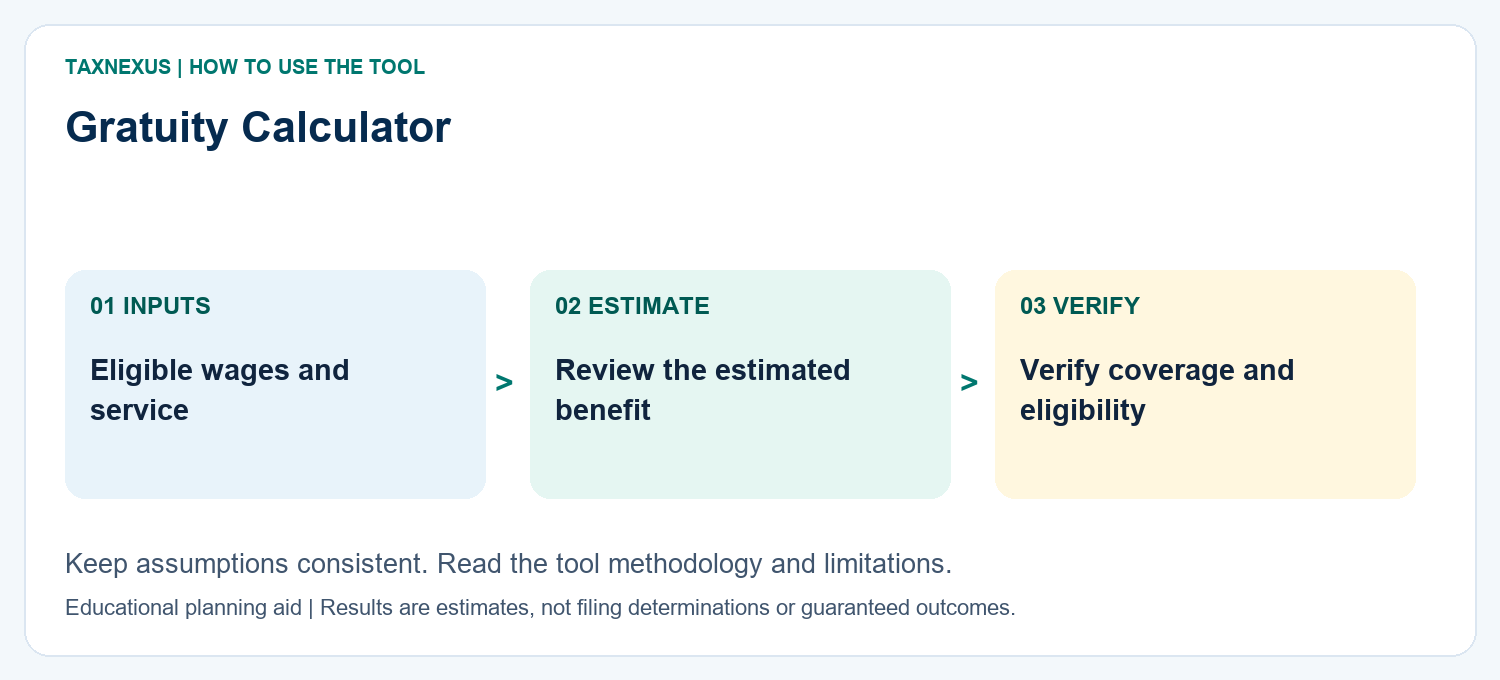
When saving a comparison, include the date, monthly wage entered, service period and selected coverage option. That small record makes a later discussion with payroll easier to follow and reproduce.
How to read your gratuity result
The estimate uses eligible wages and completed service according to the calculator assumptions. Actual gratuity can depend on statutory coverage, service history, employer policy and legally applicable wage definitions.
Planning note: Use the result for planning and confirm the final settlement with HR/payroll.
Need help comparing scenarios or want a custom finance worksheet? Contact TaxNexus and tell us what you are trying to calculate.
Ask TaxNexus
Send your question and the TaxNexus team can review what you are trying to calculate. The calculator page is included automatically.
Safety: Do not send passwords, OTPs, card numbers, bank login details or other confidential credentials.