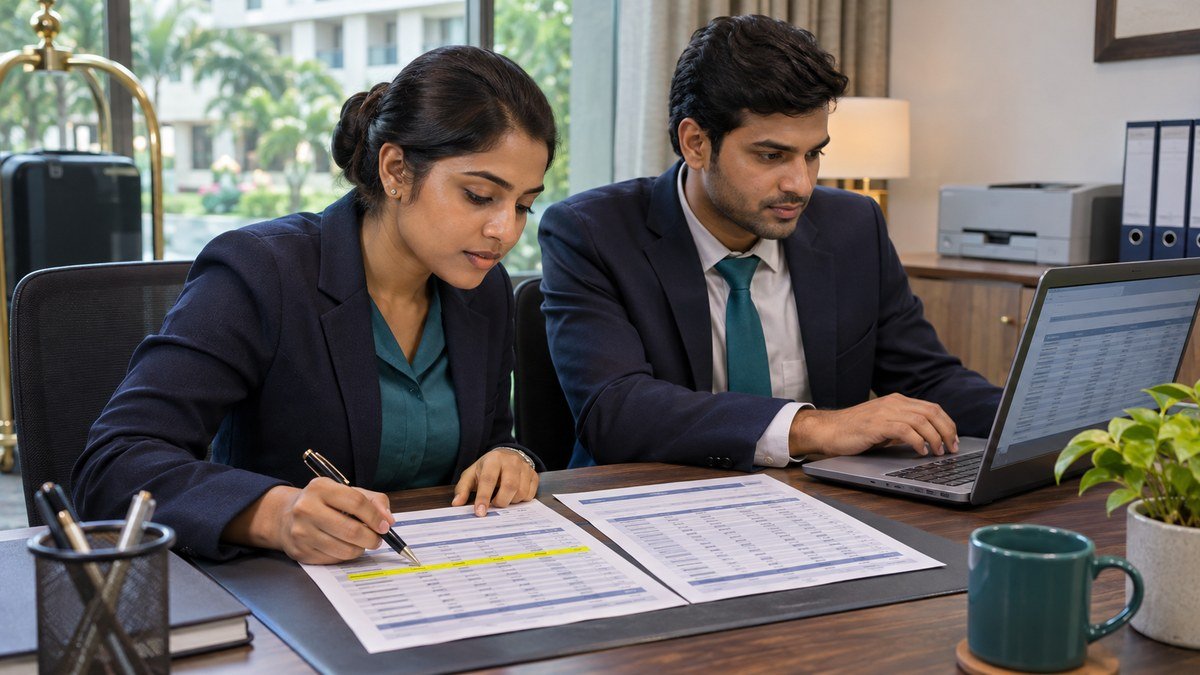
Hotel service charge reconciliation follows a charge from the guest bill to the staff allocation, payroll register and general ledger. The monthly review should explain what was collected, what was approved for distribution, what went through payroll and what remains payable. In this fictional hotel, ₹96,000 is available for allocation and ₹4,000 remains in the service charge clearing account after payroll.
1. Reconcile billings to eligible collections
Start with service charge transactions from the restaurant point of sale, banquets and the property management system. Group them by business date, outlet and transaction code. Trace reversals and refunds to the original bills. If a restaurant bill was transferred to a guest room, match the point-of-sale transaction to the folio and count the charge once. Keep the service charge component separate from other bill lines in this worksheet. Oracle’s cashier reports illustrate how transaction codes and amounts can be traced to a particular shift. Oracle Hospitality cashier reports.
For this example, the hotel has an approved process that allocates eligible amounts after collection. Restaurant and banquet bills show ₹1,05,000 in service charge for the month. Approved reversals total ₹5,000. Another ₹4,000 relates to open guest or banquet balances, leaving ₹96,000 collected and available for this run. The figures are illustrative. The applicable collection, distribution and accounting rules depend on the property, jurisdiction and approved policy.
| Line | Amount | Evidence |
|---|---|---|
| Service charge billed | ₹1,05,000 | Outlet and banquet transaction reports |
| Less approved reversals | ₹5,000 | Void and refund log |
| Less uncollected service charge | ₹4,000 | Open folio and receivables review |
| Collected and available for allocation | ₹96,000 | Matched settlement records |
2. Compare the approved staff allocation with payroll
Ask the reviewer to match the allocation file to its approval and verify the payroll period, employee identifier and earnings code. The hotel service charge reconciliation should keep the approved amount and the amount accepted by payroll in separate columns. Compare those amounts after the final payroll run, since an accepted import can still be changed by a later correction or rerun.
In the example, the allocation file assigns ₹42,000 to Food and Beverage, ₹30,000 to Rooms and ₹24,000 to other eligible teams. The final register shows ₹42,000, ₹28,000 and ₹22,000 respectively. The payroll team traces the two ₹2,000 differences to held employee lines. The approval remains ₹96,000 and the register totals ₹92,000.
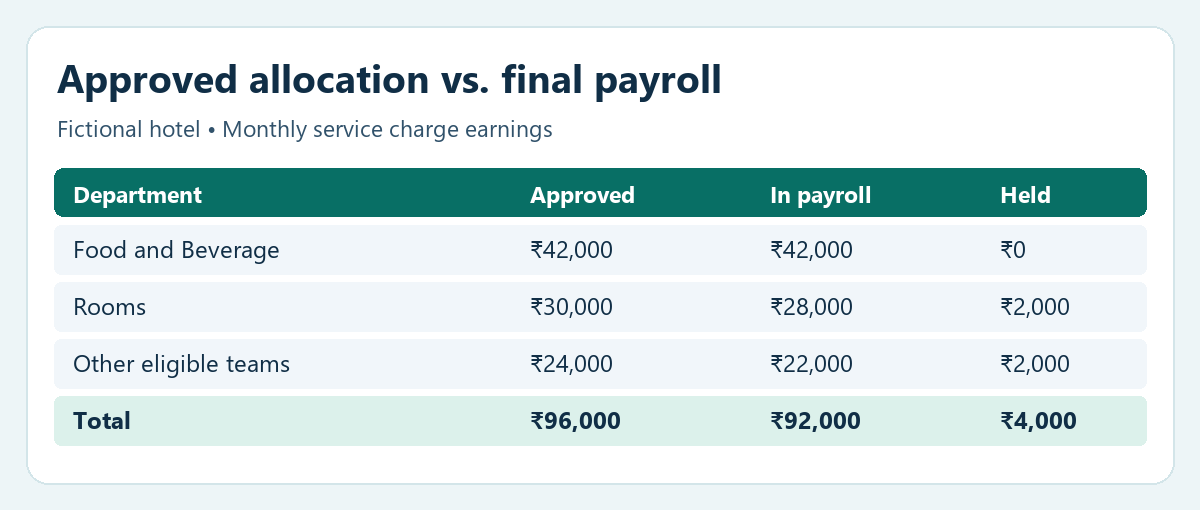
Before importing a corrected file, save the original import reference and confirm which entries the new file will replace. Review rejected records, count accepted rows and compare the control total against the approved allocation. Verify that the correction did not add a second earning to staff who were already processed. Keep a separate record of each held amount, its owner and the date it is due for review.
3. Match the payroll register to the Salary JV
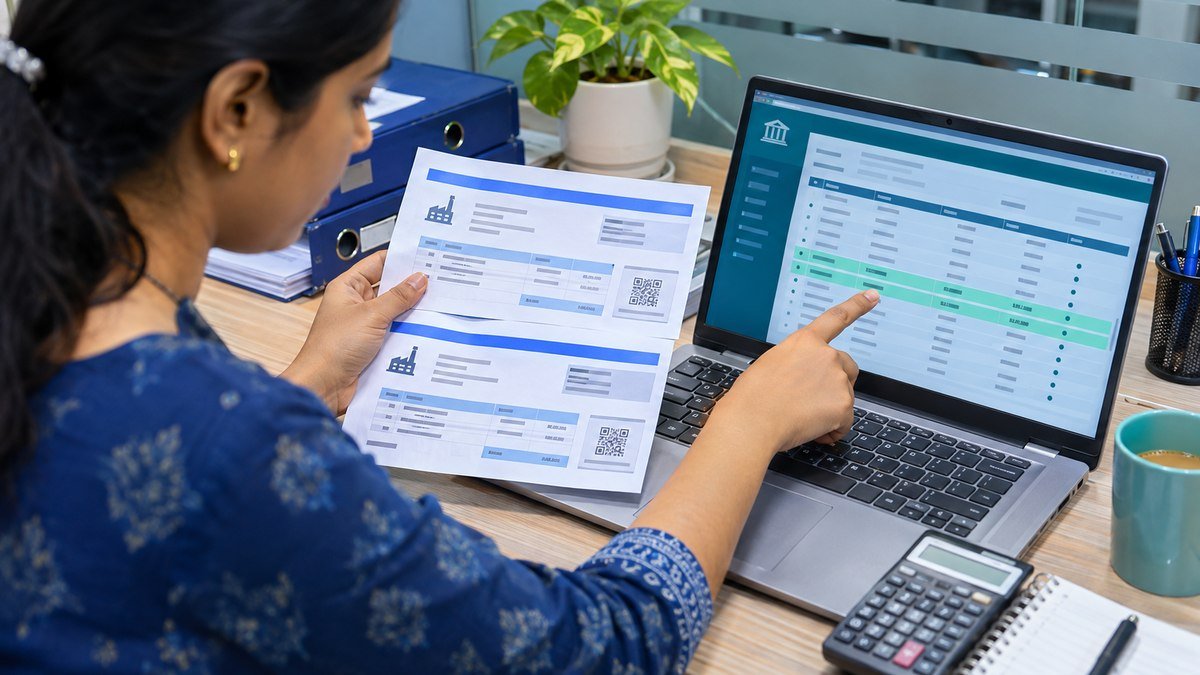
Export the Salary JV or payroll journal for the same approved run and filter it by the service charge earning code or account mapping. Check that the gross allocation agrees to the final payroll register. A net salary bank file usually combines several earnings and deductions. Use the register to trace the service charge earning and use the broader payroll reconciliation to match total net pay to the bank. Payroll Reconciliation guide and journal examples.
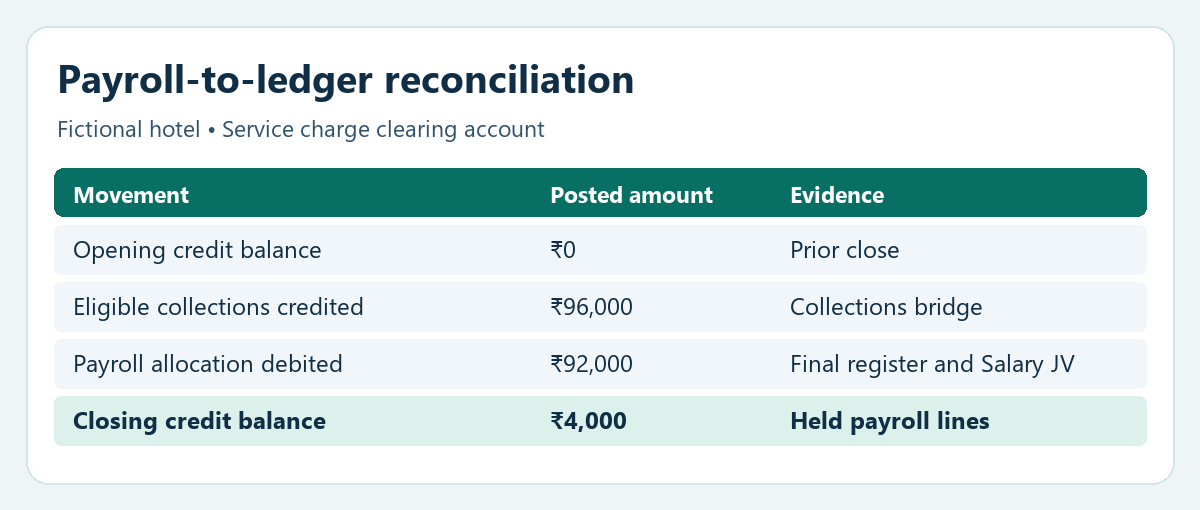
In this simplified example, assume accounting already credited ₹96,000 of eligible collections to the service charge clearing account and the opening balance was zero. The service charge portion of the payroll journal debits service charge clearing ₹92,000 and credits payroll clearing ₹92,000. The normal payroll journal then allocates payroll clearing to net pay and any applicable deductions in line with the hotel’s approved account mapping. Avoid a second posting if the payroll interface has already created the transfer.
4. Explain the closing balance before signing off
The ledger now shows a ₹4,000 credit balance on the service charge clearing account. It matches the held payroll lines and remains open for the next approved processing cycle. A reconciliation should include the underlying employee-level evidence in the private close file, the reason for the hold, the responsible person and the expected clearing date. Use the approved correction procedure if the held item must be cancelled or reallocated.
Two separate amounts happen to be ₹4,000 in this example. One was excluded from available collections because the guest or banquet balances were still open. The other was collected and allocated but was held out of payroll. Track each amount with its own reference to prevent double counting. Use a settlement reconciliation to follow amounts still in transit between the point of sale, payment provider and bank. Hotel Payment Settlement Reconciliation.
5. Use a hotel service charge reconciliation checklist
- Record the property, reporting period and business-date cutoff.
- Match outlet and banquet transactions to settlement records. Document reversals and amounts excluded from the allocation.
- Keep the approved allocation file and check the import totals and rejected rows.
- Match the final service charge earning total to the Salary JV and the posted general ledger.
- Reconcile the opening balance, eligible credits, payroll debits and closing balance. Assign an owner and date to every open item.
Bring the signed hotel service charge reconciliation into the month-end close pack together with the payroll report, posted journal and open-item follow-up. If the prior-month held lines are released this month, link the new journal reference to the earlier schedule so the movement is easy to trace. Hotel Month-End Close guide.