Five Excel templates for a hotel month-end close
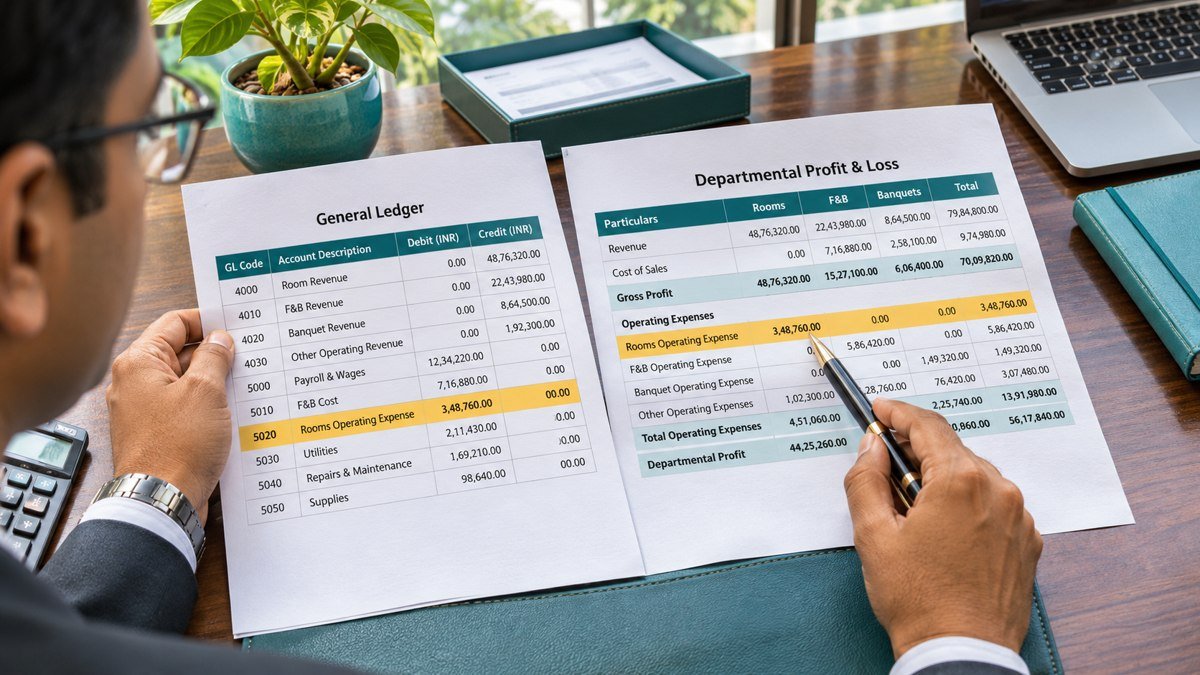
The Hotel Finance Toolkit brings five Excel templates together for month-end close. Start with the sign-off tracker, then use the other workbooks to reconcile stock, explain labour costs, review supplier balances and check where ledger accounts land in the reporting pack.
Hotel Finance Toolkit downloads
Hotel Month-End Close
Assign close tasks, record reviewer sign-off and trace a late invoice through accrual and reversal.
Food Cost & Stock Reconciliation
Reconcile the stock count to actual food cost and compare it with the cost expected from POS sales and recipes.
Hotel Labour Forecasting
Price regular, overtime and agency hours. Explain the gap between forecast and actual cost through hours and rate variances.
Vendor Ageing Analysis
Group unpaid invoices by due date, track disputes and assign follow-up actions for unmatched payments.
Chart of Accounts Mapping
Match ledger accounts to reporting lines, flag missing or duplicate rules and reconcile the mapped report to the ledger.
How to use the Hotel Finance Toolkit at month-end
Agree the close scope before entering figures
Set the property, reporting period and currency before working through the files. Record the cut-off for each source, including the property management system, point of sale, payroll register and general ledger. Save the exports you use so the reviewer can trace each figure back to the report available at sign-off. When two schedules cover different dates, resolve the cut-off difference before comparing their totals.
Start with the close tracker
Assign a preparer and reviewer to each task. Use the evidence reference to record where the supporting report or journal is saved. The worked example follows a ₹48,000 accrual through reversal and a ₹50,000 invoice. Use the same approach to cross-reference your approved estimate, posted reversal and supplier invoice. Review which actions are still open before the controller signs off the reporting pack.
Review operating costs with department owners
For food cost, agree the locations included in the stock count and check transfers around the cut-off. The worked example starts with a ₹30,000 variance. A recount and documented waste explain part of it, leaving ₹10,000 for follow-up. Record the unexplained amount and assign a specific ingredient or transaction check to the person responsible.
For labour, review regular, overtime and agency hours separately. The labour workbook breaks the difference into hours and rates. Ask department owners to confirm which shifts drove the movement and tie actual costs to payroll or agency records before updating the next forecast.
Reconcile supplier balances and reporting lines
Use the vendor ageing workbook to identify invoices due for payment and items held for review. Reconcile the net amount to the AP control balance. Give disputes, unallocated credits and unmatched payments an owner and follow-up date. Before releasing the reports, use the mapping workbook to investigate missing or duplicate rules and check the affected reporting lines.
What to keep with the close file
Save each completed workbook with its source exports and reviewer approval. If an issue carries into the next month, retain the original balance and date along with the next action. A net ledger tie-out can still leave individual accounts classified incorrectly, so save the mapping exception count alongside the totals. The same check applies to a file with offsetting unmatched balances.
Each Hotel Finance Toolkit workbook includes a fictional example and a working template. Keep the worked example as a reference and copy the blank sheet or file for the next period. For spreadsheet summaries, Microsoft documents how to total values by more than one condition. Microsoft’s SUMIFS reference
Using the toolkit across several properties
Keep one copy of the Hotel Finance Toolkit per property and period. Use a consistent naming convention and record the currency and business date on the cover or inputs tab. If a shared kitchen transfers stock between outlets, reconcile both sides of the transfer before combining the results.
Where properties share a chart of accounts, agree which reporting lines and departmental codes should be consistent across the group. Review local exceptions with the controller before applying a mapping change to more than one hotel. Save the version used for the signed-off report alongside the ledger export.
At the next close, review whether the outstanding items from the previous month cleared. For example, follow a carried-forward accrual through invoice posting and check whether its reversal was posted to the same expense account. Record any amount still open with the evidence needed to resolve it.
Use the Hotel Finance Toolkit sign-off tracker as the index for these records. Give reviewers a direct reference to each completed reconciliation, and retain the prior version when an approved correction changes a reported total.