
This purchase order Excel format helps a hotel record what it agreed to buy and check the supplier’s bill against what receiving accepted. Use the worked example below to distinguish a legitimate partial delivery from an invoice that overstates quantity or price.
Download Purchase Order Excel Format (.xlsx)
The workbook contains a blank purchase order, a three-way match worksheet and completed examples. The purchase order calculates line values and the net order total. The matching sheet uses the PO line number to look up the approved quantity and rate.
1. Complete the purchase order Excel format before issuing the order
Enter the PO number and order date, the buyer or hotel, the approved supplier, the delivery address and deadline, the currency, the payment terms and the approver. Give each item a unique PO line number. Record the item code, specification, unit, ordered quantity and agreed unit price. For goods that are ordered by carton and received by pack, document the conversion before comparing quantities.
Check the order total against the approved purchase request and store the signed or system-approved version. If the buyer and supplier agree to change the price or quantity, retain the earlier order and the approved revision. Give receiving and accounts payable access to the same version. The purchase order Excel format totals the lines before tax and freight. Record separately any approved tax or delivery terms that apply to your order.
2. Check the purchase order, goods receipt and invoice
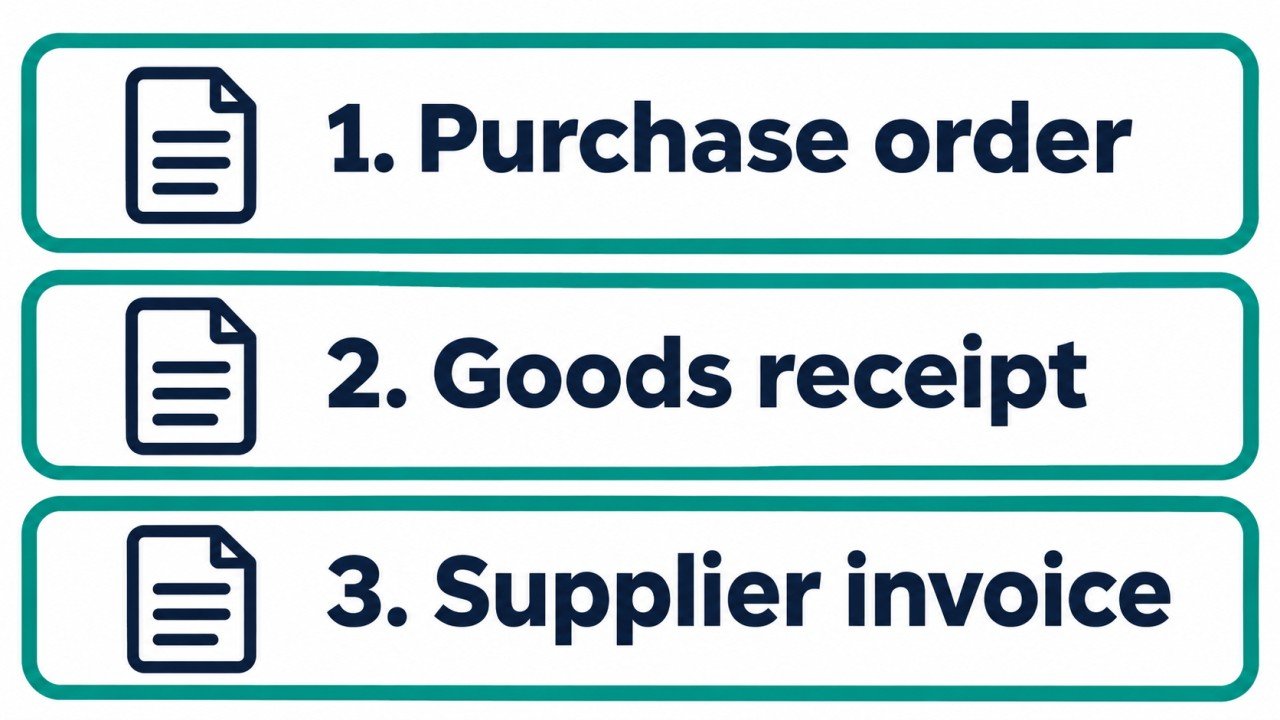
- Purchase order. Confirm the approved supplier, item, quantity, rate and terms.
- Goods receipt note (GRN). Confirm how many units receiving accepted, net of returns. Document rejected or damaged stock separately.
- Supplier invoice. Confirm the invoice number, supplier, PO line, billed quantity, rate and amount. Search the vendor ledger and pending batches for the same invoice before approval.
Compare like units, currency and pre-tax prices. For a partial delivery, take the lower of ordered and accepted quantities, then deduct quantities already invoiced. That gives the quantity available to match. Apply your approved tolerances and route exceptions to the buyer or receiving team. This purchase order Excel format flags quantity and price differences for review.
3. Investigate the exceptions in this hotel example
A fictional hotel issues PO-241. Receiving records GRN-081, and accounts payable gets invoice INV-416. The supplier has issued no earlier invoices against these lines. Amounts below are before tax.
| PO line | Ordered | Accepted | Billed | PO / invoice rate | Result |
|---|---|---|---|---|---|
| 1. Housekeeping supplies | 100 | 60 | 60 | ₹250 / ₹250 | Matched at ₹15,000 |
| 2. Laundry supplies | 40 | 30 | 35 | ₹150 / ₹150 | Quantity hold for 5 units |
| 3. Guest amenities | 20 | 20 | 20 | ₹500 / ₹525 | Price hold for ₹500 total |
The first line matches the 60 accepted units. Keep the remaining 40 open on the order until delivery or approved cancellation. Ask receiving to verify the five extra billed units on line two. Ask purchasing to verify the ₹25 unit-price difference on line three. Record the owner, evidence and decision on each hold. Follow the approved workflow for releasing a matched line when other invoice lines remain on hold.
Use the workbook for the next invoice
Copy the two blank sheets together or keep a separate workbook per PO and invoice. In the Three-Way Match sheet, enter the invoice reference, PO line, GRN reference, accepted quantity to date, prior invoiced quantity, current billed quantity and invoice unit price. Use zero for prior invoices after checking the vendor ledger. Recheck the source records if the worksheet flags missing evidence or duplicate PO lines. The workbook compares quantities and rates, while supplier verification, tax review, and payment approval follow your own controls.
- Oracle Procurement guidance on two-way and three-way matching
- Oracle Payables guidance on matching invoices to orders and receipts
- Accounts Payable Process
- Accounts Payable Checklist
- GR/IR reconciliation at month-end
Prepared by the TaxNexus Editorial Team. The hotel records and amounts are illustrative. Apply your organisation’s purchasing, accounting and approval policies.