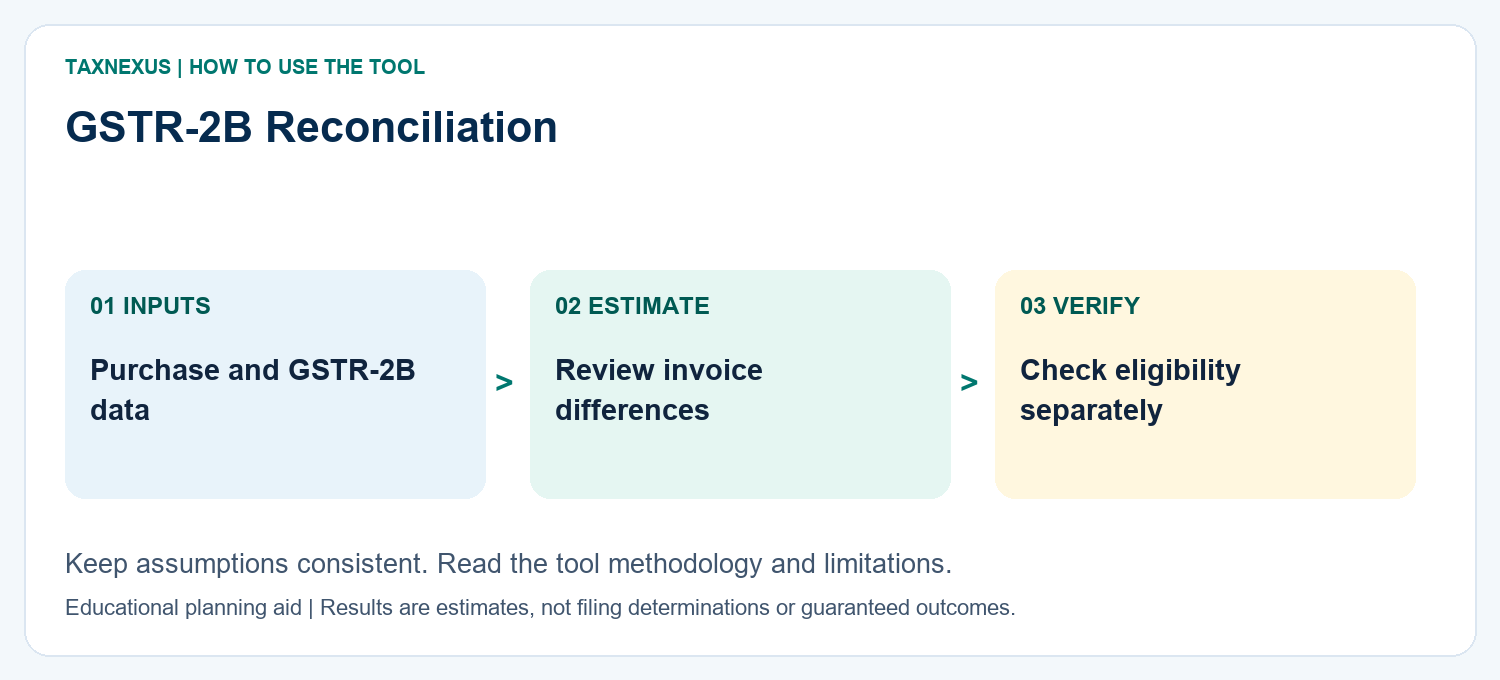
GSTR-2B Reconciliation — Books ↔ 2B
Match purchase-register invoices against GSTR-2B and identify missing, mismatched and duplicate records.
CSV columns: gstin,invoice_no,invoice_date,taxable_value,igst,cgst,sgst. Files are processed locally.
How to prepare your reconciliation files
Use the download template and keep the same column names in both files: gstin,invoice_no,invoice_date,taxable_value,igst,cgst,sgst. Export the relevant period from your purchase register and prepare the comparable GSTR-2B data. Keep an untouched copy of both source exports before converting or editing them.
- Check that each row refers to the intended invoice and that supplier GSTIN and invoice number are populated.
- Use plain numeric amounts without currency symbols or thousands separators. Confirm that IGST, CGST and SGST are in the correct columns.
- Keep invoices and credit notes consistent with the treatment in your source records. Review negative amounts rather than removing them to force a match.
- Select both files, set a tolerance appropriate to your rounding policy and run the comparison.
- Investigate missing invoices and duplicate keys before acting on the summary.
Read the result as an investigation list
The tool matches normalised supplier GSTIN and invoice number, then compares taxable value and tax amounts. An amount within tolerance is a matching outcome, not a legal conclusion about input tax credit. Invoice dates, period differences and document eligibility still require separate review. A larger tolerance can hide differences; do not increase it only to obtain a clean result.
Illustrative mismatch
Suppose the purchase register contains taxable value ₹10,000 and IGST ₹1,800, while the comparable GSTR-2B row shows taxable value ₹10,000 and IGST ₹1,700. The tax difference is ₹100. With a ₹1 tolerance, investigate the supplier document, return reporting and any amendment. The tool cannot decide which source is correct or whether credit may be claimed.
Close the reconciliation with evidence
Keep a working-paper log containing the invoice identifier, difference, reason, supporting document, person responsible and resolution. Separate missing supplier reporting from incorrect accounting, rounding and period timing. Reconcile the resolved position with the relevant return and portal records. Do not edit original source data just to remove a variance.
Privacy and limitations
The comparison is designed to run in your browser and does not submit a return or retrieve GST Portal data. Use anonymised test files on shared computers, keep your own backups and review browser downloads before sharing them. The tool does not validate every statutory eligibility condition, supplier filing status or IMS action.
Continue with our GSTR-2B reconciliation guide and the official GST Portal. Educational working aid only; check current rules and obtain professional advice where needed.
GSTR-2B matching: review these test cases
Before using a live working file, prepare a small anonymised sample with one exact match, one missing invoice and one deliberate tax difference. Check that the output identifies each case in the way you expect. This helps reveal a column-mapping or number-format problem before a larger review.
Also check duplicate invoice keys. If two rows share the same supplier and invoice number, investigate whether they are duplicate entries, legitimate split records or a preparation issue. A clean total can still hide an invoice-level problem.
Keep the sample result and the final GSTR-2B review with the mapping notes. When the source format changes, repeat the small check rather than assuming the old preparation steps still apply. The purpose is to verify the comparison process; the sample cannot establish legal eligibility for credit.