Quarterly Estimated Tax Planner
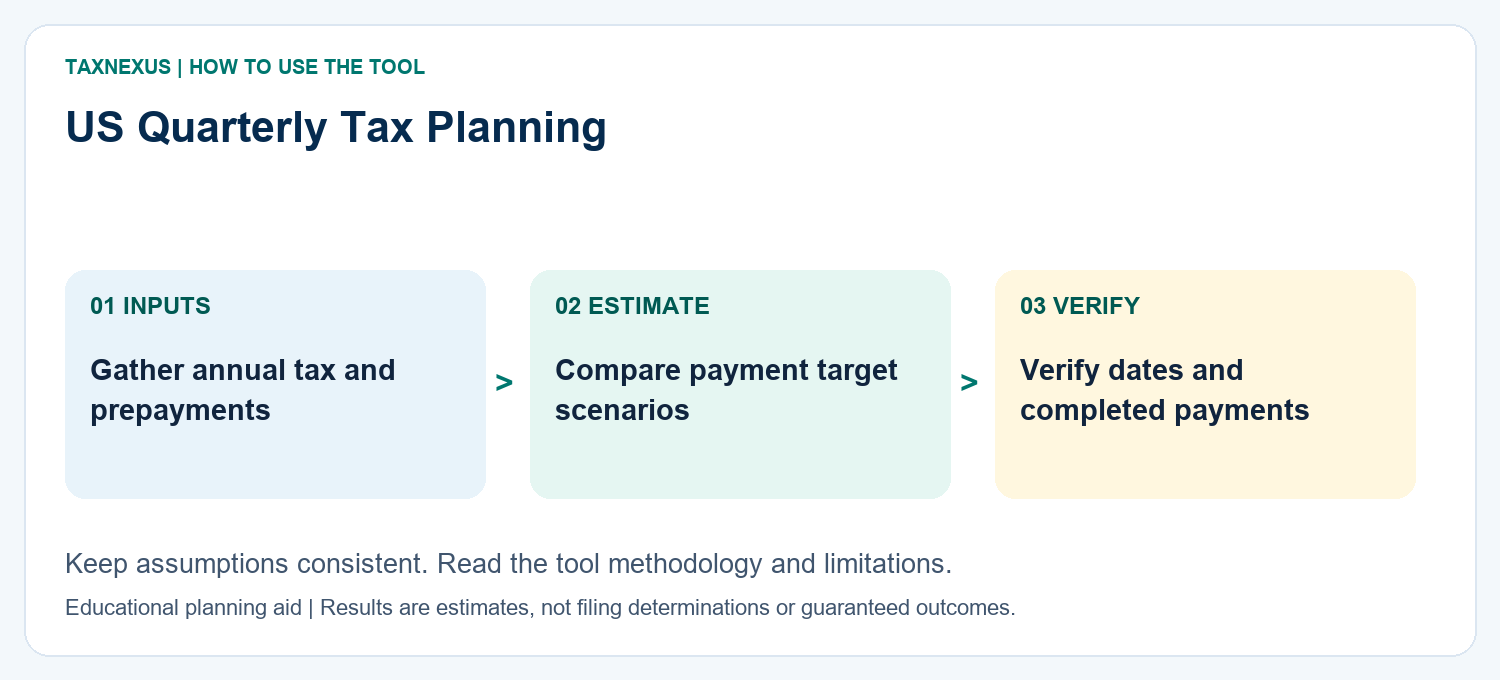
Estimate a federal safe-harbor payment target using projected annual tax, prior-year tax and payments already made. Confirm actual installments and payment dates separately. All money amounts are in US dollars (USD).
What this estimate means
The calculator compares 90% of your expected current-year federal tax with a prior-year safe-harbor amount. The prior-year amount is normally 100% of prior-year tax, but this tool uses 110% when prior-year adjusted gross income is above USD 150,000—or above USD 75,000 for married filing separately. Enter current-year tax after refundable credits, then enter withholding separately. The planner screens for the USD 1,000 expected balance threshold before estimated payments. It subtracts withholding and estimated payments already made from the applicable target, then divides the remainder evenly.
How to use it well
- Start with a realistic full-year tax projection, not gross business income.
- Enter prior-year figures from the filed return, including the filing-status threshold.
- Update the estimate when profit, investment gains, withholding or credits change.
- Confirm the payment and due date using Form 1040-ES or a qualified tax professional.
Self-employed? Read our US Self-Employment Tax Guide for Schedule C, business expenses and recordkeeping basics.
Last reviewed: 26 November 2026. Official references: IRS Form 1040-ES, IRS Publication 505, and IRS Estimated Tax FAQs.
Quarterly estimated tax: 4 essential input checks
- Use projected tax, not revenue. The current-year field asks for a tax estimate under the model's definition. Gross business receipts and taxable profit are different starting figures and should not be entered as tax.
- Check prior-year evidence. Keep the return and the figures used for prior-year tax and adjusted gross income together. A refund received is not the same number as the prior year's total tax.
- Separate completed and expected payments. Enter amounts already paid in the completed-payment field and keep expected withholding in its own input. Avoid counting the same payment in both places.
- Review timing outside the shortcut. Dividing a remaining target evenly is an illustration. Actual required instalments can depend on dates, income timing and other rules the model does not calculate.
Retain an assumption and payment schedule
Save the forecast date, source figures, selected filing-status assumption and payment confirmations. Record why a later estimate changed, especially after a significant income event or withholding update. A traceable schedule helps distinguish a revised forecast from a missed or incorrectly allocated payment.
Use the result to identify questions before the next payment, not as an automatic transfer instruction. Review the estimated-tax guide and current official instructions for the applicable year.
Reconcile at filing time
Compare the completed payments with the annual return records and retain evidence of the taxpayer, tax year and payment type. An annual target is a planning measure; the final liability still needs a complete return calculation.