HSN SAC Code Search helps locate selected goods and service headings for further research. Use a match as a starting point, then check the full description, effective date and applicable conditions in official sources.
HSN SAC Code Search
Search common goods and services codes by code or keyword, then verify classification and current rates with official sources.
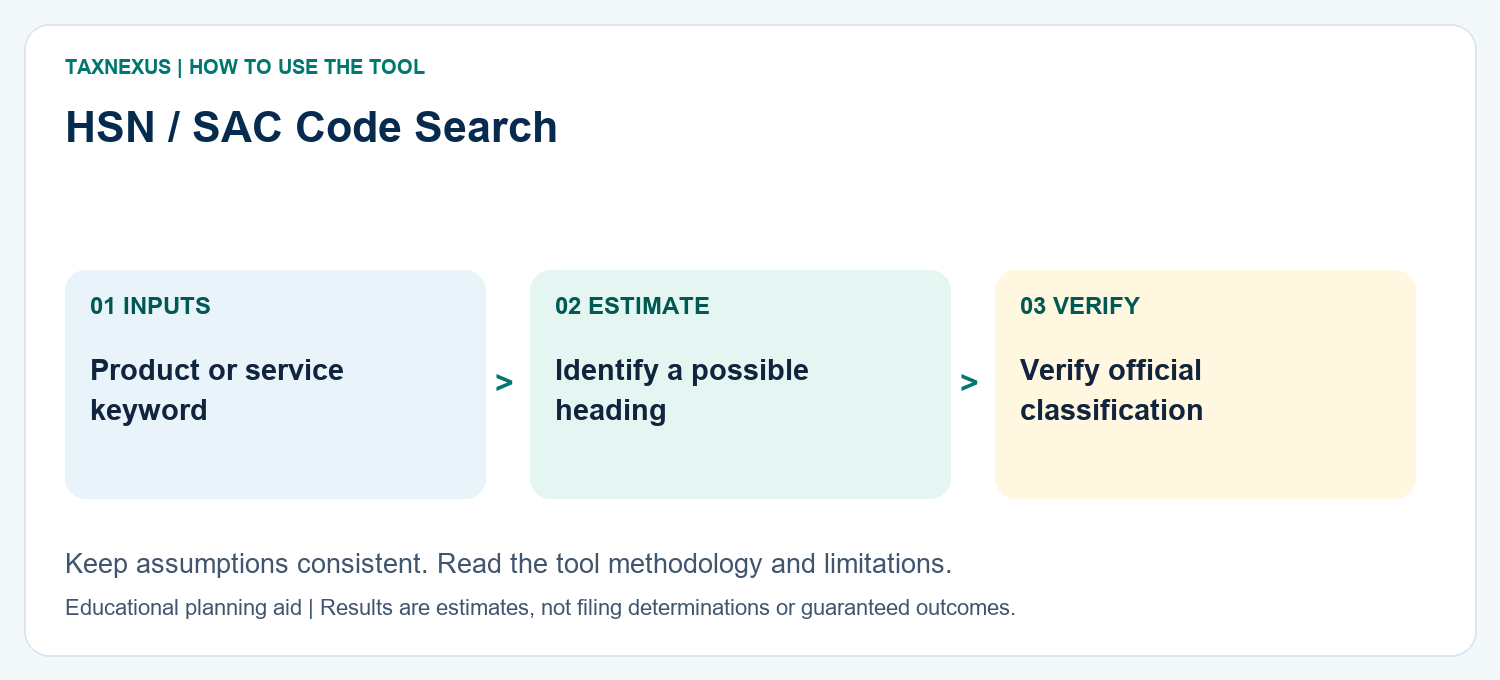
How to use a code match
This curated directory lists broad headings as a starting point for research. A matching word does not establish the full tariff classification or the tax treatment of a particular supply. Rates and exemptions depend on the applicable notification, effective date, detailed description and conditions.
- Describe the goods by their composition, function, packaging and intended use, or describe the actual service supplied.
- Search a product or activity word and note the possible heading. Refine the search if several descriptions could apply.
- Check the full classification and current notification through the official sources before invoicing. Review any exemption, concessional-rate or input-credit conditions separately.
- Keep the specification, relevant entry and effective-date evidence with the invoice working papers.
Example: a broad heading is only a lead
A search for accounting can identify heading 9982. That result helps locate the relevant service family; it does not resolve the classification or tax outcome of a mixed contract that also includes another service. Review the actual agreement and official descriptions rather than applying a rate from the keyword alone.
Rate verification
Static rate ranges have been removed because a short heading-level list cannot reliably reflect notification changes and every supply condition. Use the official Central Tax rate notifications and the GST Portal to verify current treatment. If no match appears, the directory may simply not cover your item. Obtain classification advice where the position remains uncertain.
Directory guidance updated: 24 October 2026. Search runs in your browser; no invoice or customer information is needed.
HSN SAC Code Search: 4 essential classification checks
Keep a short classification working paper instead of saving only the search result. Record the item or service description, the candidate heading, why it appeared relevant and which official entry you checked. If several headings appear plausible, retain the alternatives and the reason one was rejected.
For goods, a generic commercial name may conceal important differences in composition or function. For services, a short label may not explain the actual obligations in the agreement. Compare the underlying facts before adopting a code used on a similar-looking invoice.
Example of a useful review note
A supplier describes a purchase only as equipment. That description is too broad to resolve a classification question. Request the specification or a clearer description, identify the relevant heading candidates and then review the official wording. The search tool cannot infer the missing technical facts.
Separate classification and rate research
A code match and a rate conclusion are separate steps. Record the notification reference and effective date used for the rate review, together with any conditions. A previous invoice can be useful evidence of past treatment, but it is not proof that the same result applies to a new supply.
When the directory has no result
Try a more specific product noun or service activity, then use official classification resources. This directory covers selected headings only. An empty result does not mean the supply is exempt, outside GST or missing from the tariff. Seek appropriate advice when material uncertainty remains.
Use HSN SAC Code Search without entering customer details or confidential invoice records. The factual description needed for a classification review can be kept in your own secure working papers.
Continue with the GST invoice review guide to connect classification checks with invoice particulars, or use the GST compliance guide for the wider return and recordkeeping workflow.