Rule 42 and Rule 43 workings require correctly classified credit, turnover and asset records. Use this tool within its stated general-business scope and keep the assumptions and exclusions with the result.
ITC Maximizer — Rules 42 & 43
Common-credit workings, capital-goods schedule and Rule 42 annual reconciliation.
Educational estimator for general-business computations. Review the working and applicable rules before using a result in a return. Run separately for each GST registration and tax head (IGST, CGST, SGST/UTGST, cess). Excludes real-estate project special rules, banks using Section 17(4), changes in asset use, capital-goods disposal and non-business capital apportionment.
Rule 42 — inputs and input services
Exclusive categories must not overlap. C1 = T − T1 − T2 − T3; C2 = C1 − T4; D1 = (E/F) × C2; D2 = 5% × C2 when non-business use applies. Reversal = D1 + D2. Do not count full capital-goods ITC in these inputs.
Rule 42 annual reconciliation
Enter full-financial-year T/T1/T2/T3/T4/E/F above, then compare the annual result with the sum of monthly Rule 42 reversals. Rule 43 does not use this annual true-up.
Interest and statutory adjustment deadlines require separate professional review. This does not prepare or submit DRC-03.
Batch Rule 42 monthly workings
Template columns: Period, T, T1, T2, T3, T4, E, F, NonBusiness (yes/no). First sheet only; 5 MB / 5,000 rows. Each row is a separate period for one tax head; reports are not a substitute for annual recalculation.
Rule 43 — common capital goods
For assets used for both taxable and exempt business supplies only, with unchanged use and no restriction on ITC. Upload the asset register using the template. Month of invoice is counted as month 1 for this working; exact invoice-date expiry and partial periods require review.
Monthly common credit for each active asset = ITC ÷ 60. Aggregate monthly credit Tr is apportioned by E/F. This reversal is not a deduction of the whole capital-goods credit each month. Reclassification, disposal, interest and special cases are not automated.
Scope and review checklist
Use the statutory definitions and exclusions for E and F, not simply accounting revenue. Confirm blocked credits, exempt turnover, securities/land/building valuation, zero-rated supplies, non-business use and documentary evidence before relying on the calculation. Mixed taxable/exempt activity is different from a “mixed supply” classification under GST.
Files are processed in the browser and not uploaded. Excel parsing uses a third-party library loaded on demand; if blocked, the tool reports an error. Download reports as Excel-compatible CSV; print calculations to PDF.
CBIC current legislation · ITC eligibility checker · ITC reversal guide
Rule 42 and Rule 43: 3 essential review checks
- Keep classifications exclusive. Check that the same credit is not entered in more than one exclusive category. Retain the invoice-level basis for each total.
- Match the period and tax head. Use a clearly labelled working for the registration, period and component reviewed. Do not mix an annual turnover figure with a monthly credit amount without following the applicable method.
- Review exceptions separately. Identify changes in asset use, disposal, special-sector rules or other facts outside the automated scope. A completed schedule does not establish that an excluded situation has been dealt with.
Retain the Rule 42 annual comparison separately from the monthly schedules and the Rule 43 asset working. Record the reviewer and the explanation for adjustments before using the totals in a filing process.
Keep a reproducible review file
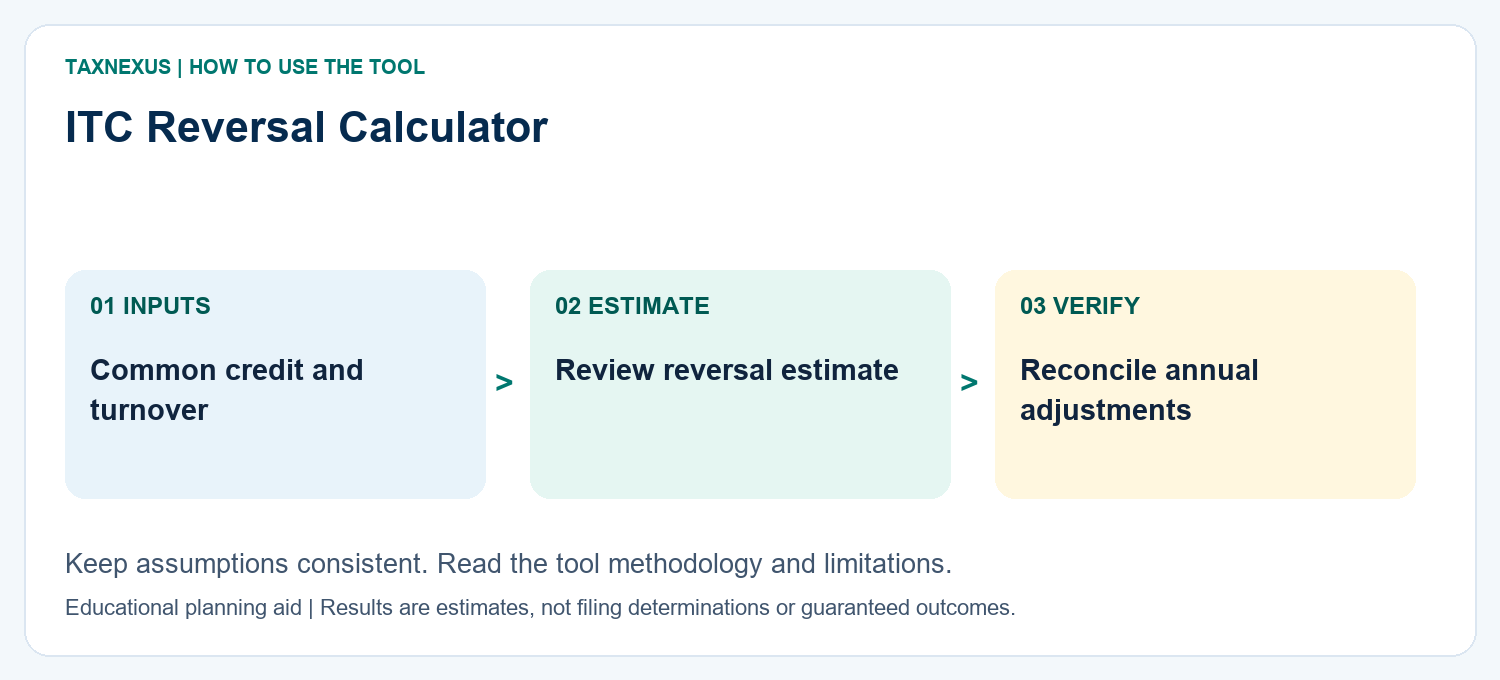
Before running a comparison, make a copy of the source register and label the GST registration, tax head, period and version of the working. Record which invoices make up each credit category and explain adjustments instead of entering an unexplained balancing amount. This makes a later difference easier to trace without changing the original evidence.
After calculating, compare the output with the amounts already recorded in the books and earlier workings. A difference can arise from a changed input, a different period, an omitted invoice or an assumption outside the tool’s scope. Document the cause and have the relevant calculation reviewed before making a return adjustment. For an asset schedule, retain the invoice date, credit amount and usage history with the exported result. The calculator output is a working paper, not proof that the underlying credit is eligible.