Use the In-Hand Salary Calculator to subtract the monthly deductions you enter from gross salary. It helps compare payroll scenarios, but it does not calculate income-tax slabs, statutory contribution rates or legal eligibility automatically.
In-Hand Salary Calculator
Estimate monthly take-home pay after PF, professional tax, TDS and other payroll deductions.
Monthly Salary & Deductions
Gross salary vs in-hand salary
Gross salary is the amount before employee-side deductions. In-hand or take-home salary is the amount left after deductions such as employee PF, professional tax, TDS and other payroll recoveries.
CTC is different
CTC can include employer PF, gratuity, insurance, bonus and other employer costs that may not be paid to you every month. Use the Salary, Bonus & CTC Calculator for a broader employer-cost view.
In-Hand Salary Calculator: 5 essential input checks
- Use monthly gross pay. Enter earnings before employee deductions for the selected month. Annual CTC can include employer costs and benefits that are not paid as monthly cash salary, so it is not a substitute for this input.
- Enter the employee PF deduction. Use the deduction applicable to your scenario or payslip. Do not subtract the employer contribution again merely because it appears in a CTC statement.
- Keep tax deductions separate. Professional tax and payroll TDS are separate fields. Enter the amounts relevant to the month rather than assuming one percentage explains both.
- Review other deductions. Loan recovery, advances and other payroll adjustments may affect net pay. Avoid including an amount here if it is already entered in another deduction field.
- Use the same period. Check that gross salary and all deductions relate to the same month. A one-off recovery or bonus can make one month’s result different from a normal recurring month.
In-Hand Salary Calculator worked example
Assume monthly gross salary is ₹50,000, employee PF is ₹1,800, professional tax is ₹200, payroll TDS is ₹3,000 and other deductions are ₹1,000. Total deductions are ₹6,000, so the illustrative monthly take-home amount is ₹44,000.
These are assumed amounts for arithmetic, not statutory rates or a claim that every employee owes those deductions. At twelve identical months, gross pay would be ₹6,00,000 and take-home would be ₹5,28,000. Bonuses, unpaid leave, salary changes and variable deductions can make the actual annual result different.
Why a payslip or bank credit may differ
Compare the earnings and deduction lines before comparing only the final total. Payroll may include arrears, reimbursements, attendance adjustments, a held payment or a separate recovery. A reimbursement can also require separate treatment from salary when reviewing records.
Use the payroll reconciliation guide to trace the payroll register, salary payable and bank payment. If the difference remains unexplained, ask payroll which input or adjustment caused it. Keep personal salary documents in a private channel.
Understand the annual estimate and limitations
The annual display extends the monthly illustration; it is not a complete annual tax computation. Payroll TDS is a prepayment and can differ from the final return result. Use the applicable year and full income position when reviewing tax separately.
For official filing context, consult the Income Tax Department’s e-Filing portal. Save the In-Hand Salary Calculator assumptions with each comparison and update them when salary or deductions change.
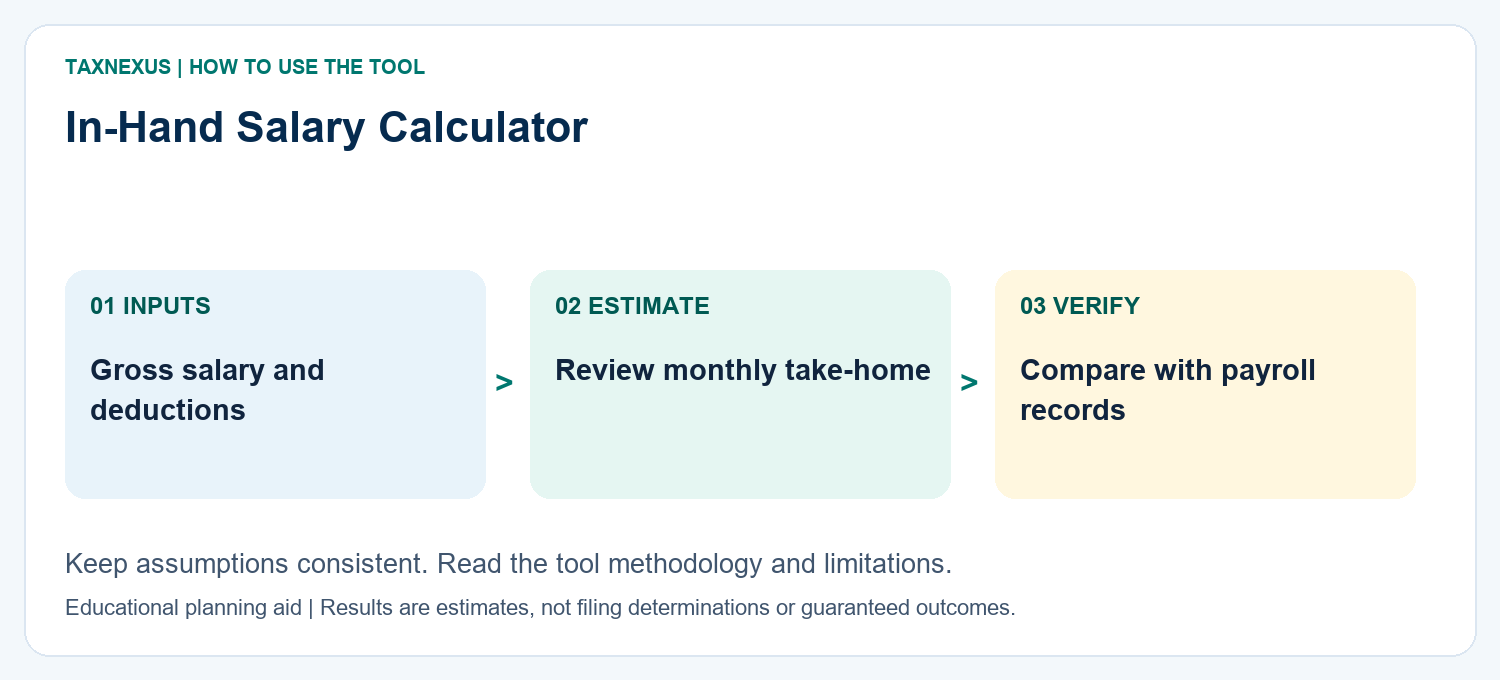
How to read your in-hand salary result
Your estimated take-home pay is monthly gross salary less the employee deductions you entered, such as PF, professional tax, TDS and other deductions. This calculator does not independently compute income-tax slabs, so enter the TDS amount that applies to your payroll estimate.
Planning note: For tax planning, compare the result with the Old vs New Tax Regime Calculator.
Need a custom finance worksheet, calculator idea or help understanding a result? Contact TaxNexus and tell us what you are trying to calculate.
Ask TaxNexus
Send your question and the TaxNexus team can review what you are trying to calculate. The calculator page is included automatically.
Safety: Do not send passwords, OTPs, card numbers, bank login details or other confidential credentials.