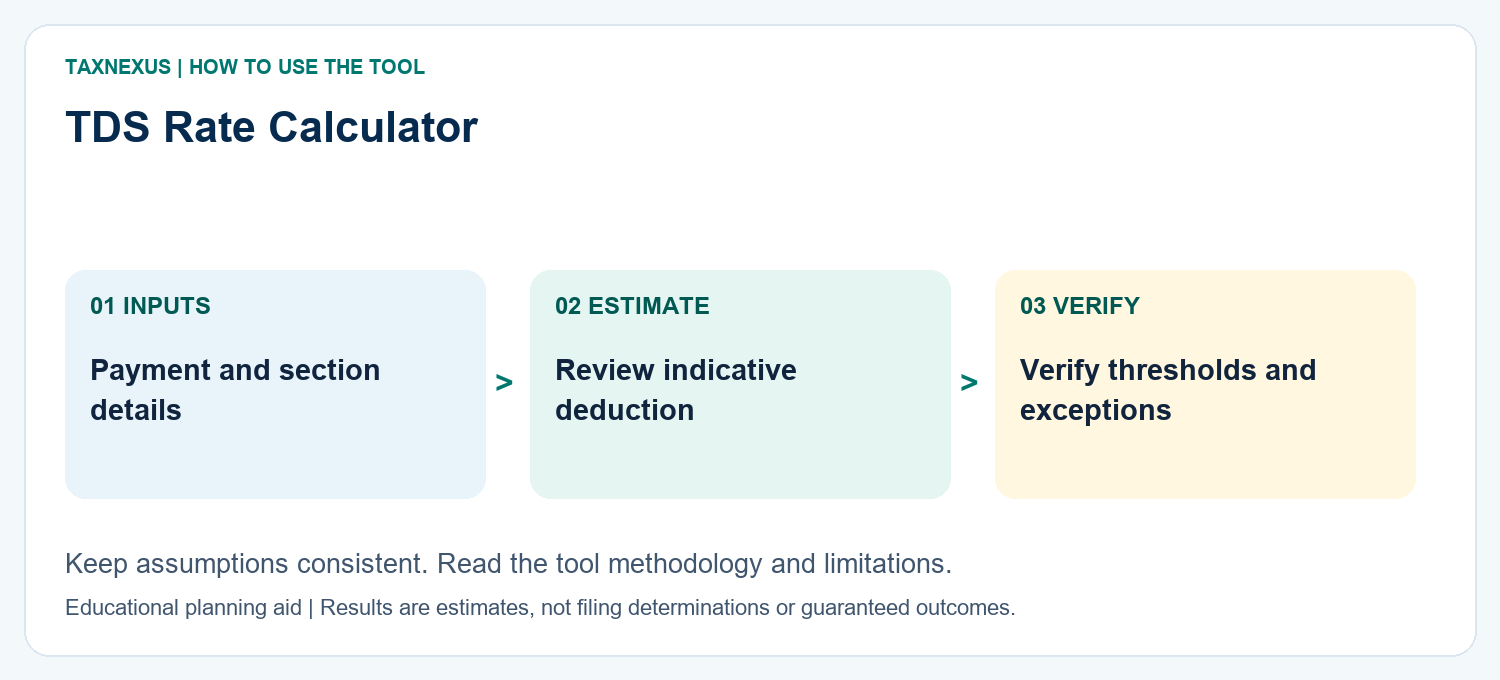
Use the TDS Rate Calculator to screen selected resident-payment categories and review an indicative deduction. Confirm the period, payee facts and provision before relying on the displayed rate or threshold.
TDS Rate Calculator
Check major payment categories, thresholds and indicative TDS amounts for Indian residents.
Important: This is an educational screening tool, not a filing determination. Rates can differ for non-residents, treaty cases, lower/nil-deduction certificates, special entities and missing PAN. For Tax Year 2026–27, the Income-tax Act, 2025 applies; the Income Tax Department states that the principal rates and monetary thresholds were retained, although section numbering changed.
Calculate TDS
Search the reference table
| Reference | Payment | Indicative threshold | Rate |
|---|
How to use the result
- Confirm whether the threshold is transaction-wise, monthly or annual. For rent under the 194-I reference, enter rent for a month or part of a month; the threshold is ₹50,000, not ₹6 lakh annually.
- Use the taxable/income component where the law requires it, not automatically the gross receipt.
- Check PAN, residential status, declarations, certificates, surcharge/cess and treaty provisions separately.
- For salary, calculate using the employee’s applicable slab and declarations; this tool does not estimate Section 192 payroll TDS.
Frequently asked questions
Does crossing a threshold mean TDS applies to the whole amount?
It depends on the provision. Some apply to the whole payment once the threshold is crossed, while provisions such as purchase of goods generally apply only to the amount exceeding the threshold. The result explains the selected treatment.
What happens when PAN is not available?
Section 206AA or the corresponding current law may require a higher rate, commonly 20%, subject to exceptions. The calculator flags this using a simplified higher-rate comparison.
Can this be used for non-residents?
No. Non-resident payments require Section 195/current-law and treaty analysis, beneficial-rate checks and possible surcharge and cess.
TDS Rate Calculator: 5 essential input checks
- Confirm the tax period. Select the framework relevant to the transaction. A familiar older section number may not be the current reference, so keep the period and mapping evidence with the working.
- Identify the payment’s nature. Review the actual agreement and services or goods supplied. A description entered in the accounting system may be too broad to select the correct category.
- Check the payee facts. Resident status, entity type and PAN assumptions can affect the review. This simplified resident tool should not be used to resolve a non-resident or treaty question.
- Use the correct amount basis. Read whether the selected category refers to an individual payment, a monthly amount or an annual aggregate. Do not compare an annual threshold with only one instalment when the provision requires aggregation.
- Review certificates and exceptions. Keep supporting declarations or certificates with the transaction and follow their applicable conditions. A special-case flag means further review is needed, not that a standard result is sufficient.
Keep the calculation traceable
Save the selected category, amount basis, period and payee assumptions with the result. Record which facts remain unverified. If several payments make up an aggregate, retain a schedule rather than entering a total without its components.
Use the TDS compliance guide for the wider deduction, deposit, statement and reconciliation workflow. The TDS Rate Calculator does not itself deposit tax, file a statement or verify a deduction certificate.
Review the final treatment separately
Compare the tool explanation with current official guidance and the underlying transaction. A correct arithmetic result does not prove that the selected category applies. Obtain a qualified review where classification, timing or special treatment remains uncertain.